Courses and roles
In every course, each member has exactly one role:
| Role | May |
|---|---|
| Owner | everything, including assigning roles, removing members and deleting the course |
| Editor | add, change and delete shared things: documents, shared deadlines, shared notes |
| Reader | see everything, only create their own things (private tasks, own notes) |
Whoever creates a course is its owner. New members who join through an invitation link become editors by default; when inviting you can also choose reader.
Inviting members
Under Course → Members (behind the ⋯) you create an invitation link or invite someone with an account directly. Invited people see the invitation under Notifications and accept it there.
Other people's courses only appear by invitation. You see no course you are not a member of.
What is in a course
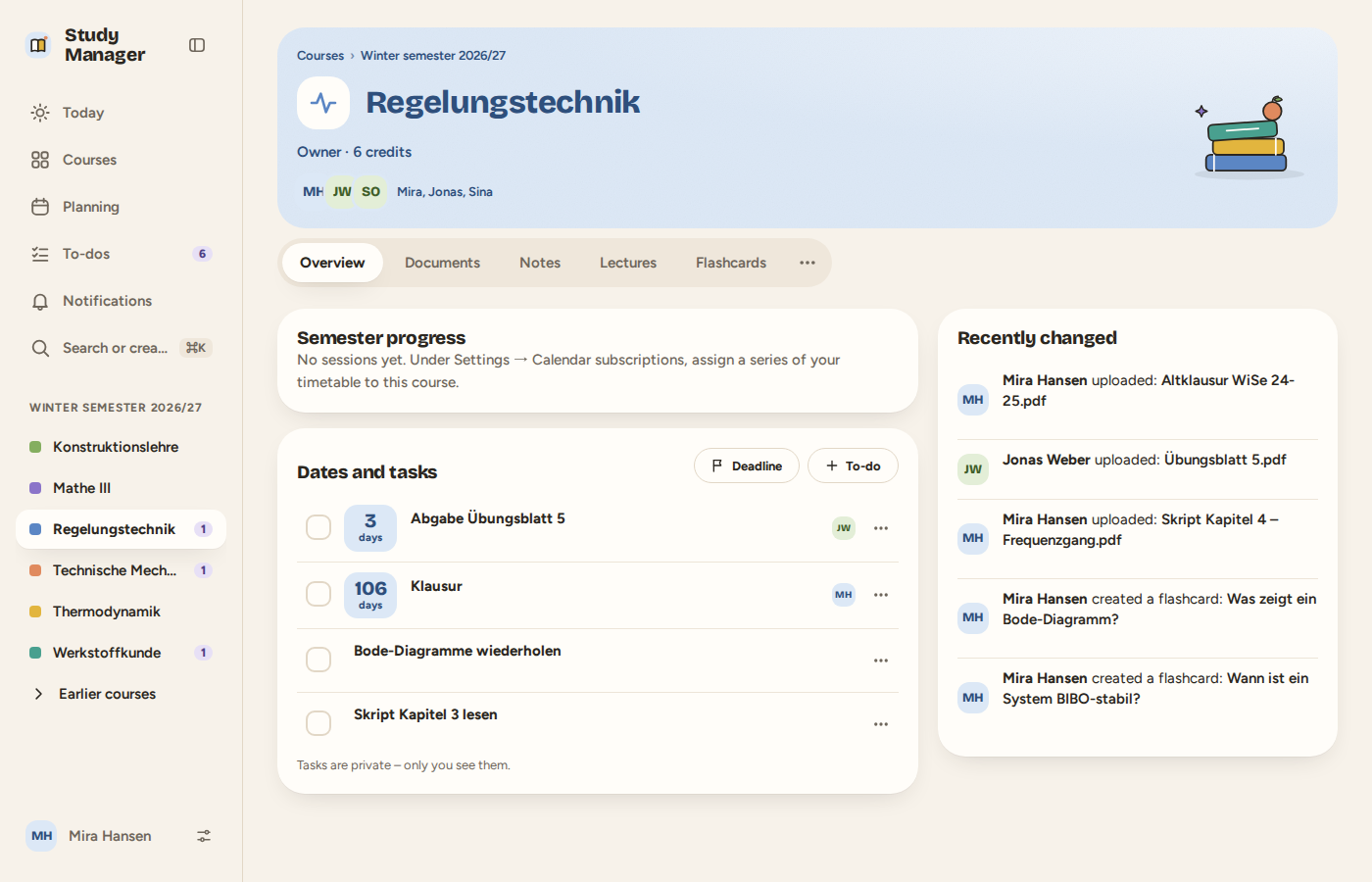
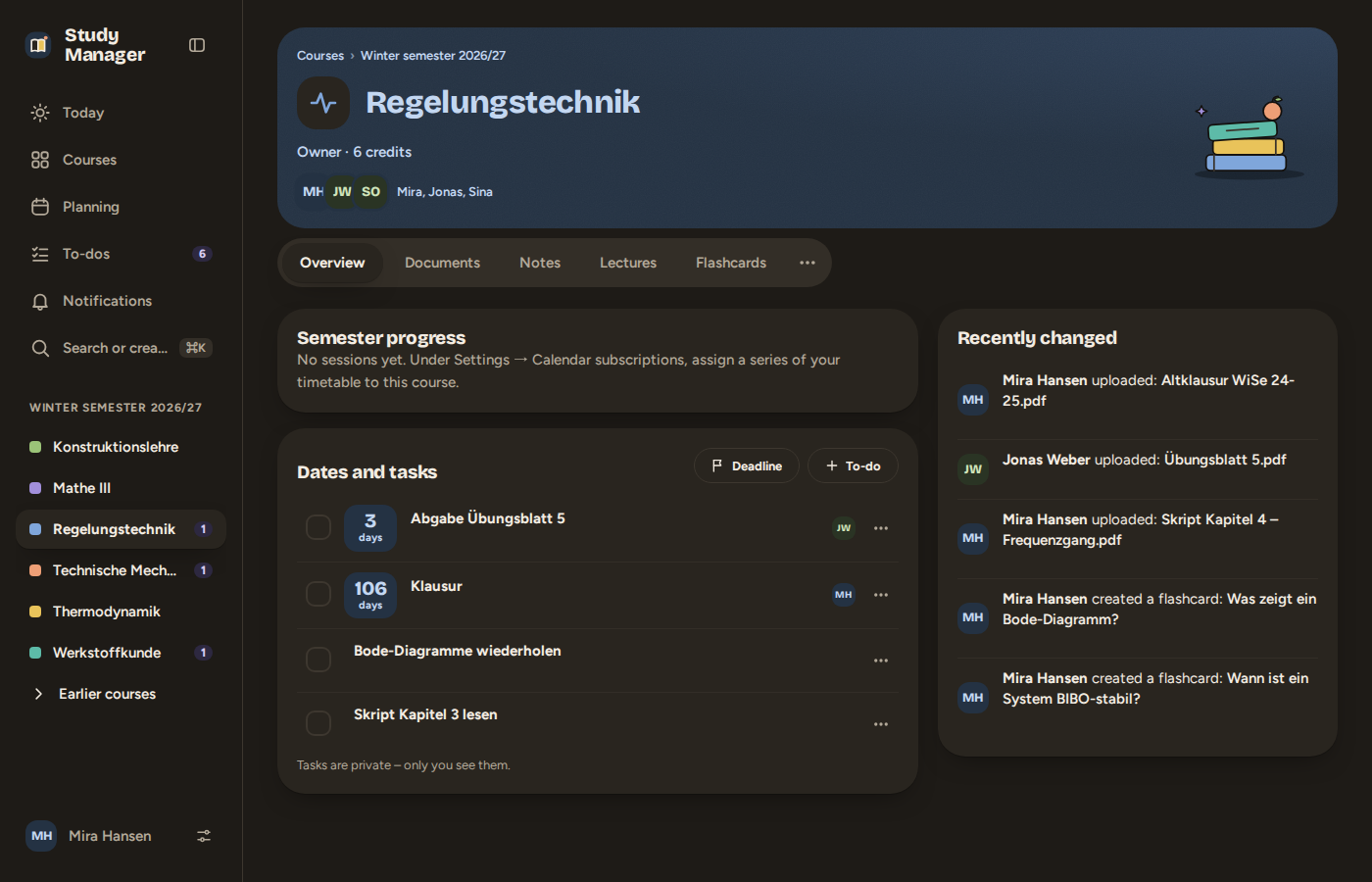
- Overview: semester progress, dates and tasks, recently changed.
- Documents and notes (with lecture mode).
- Lectures and flashcards.
- Behind the ⋯: members, activity (who changed what and when) and the trash (deleted documents stay for 30 days).