Getting started
Study Manager is a web app. All you need is a browser (laptop or phone) and an invitation from the person who runs it (the admin).
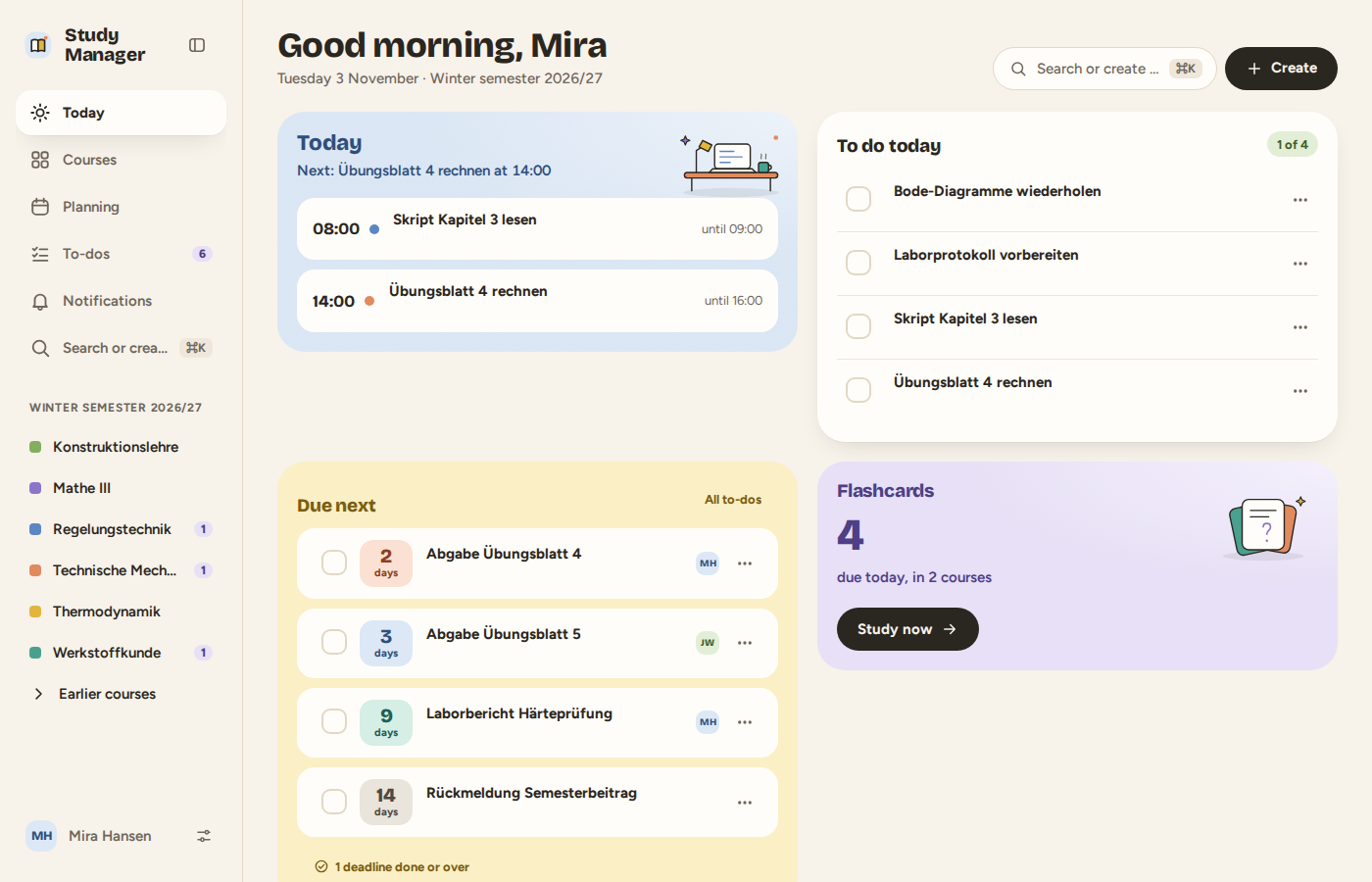
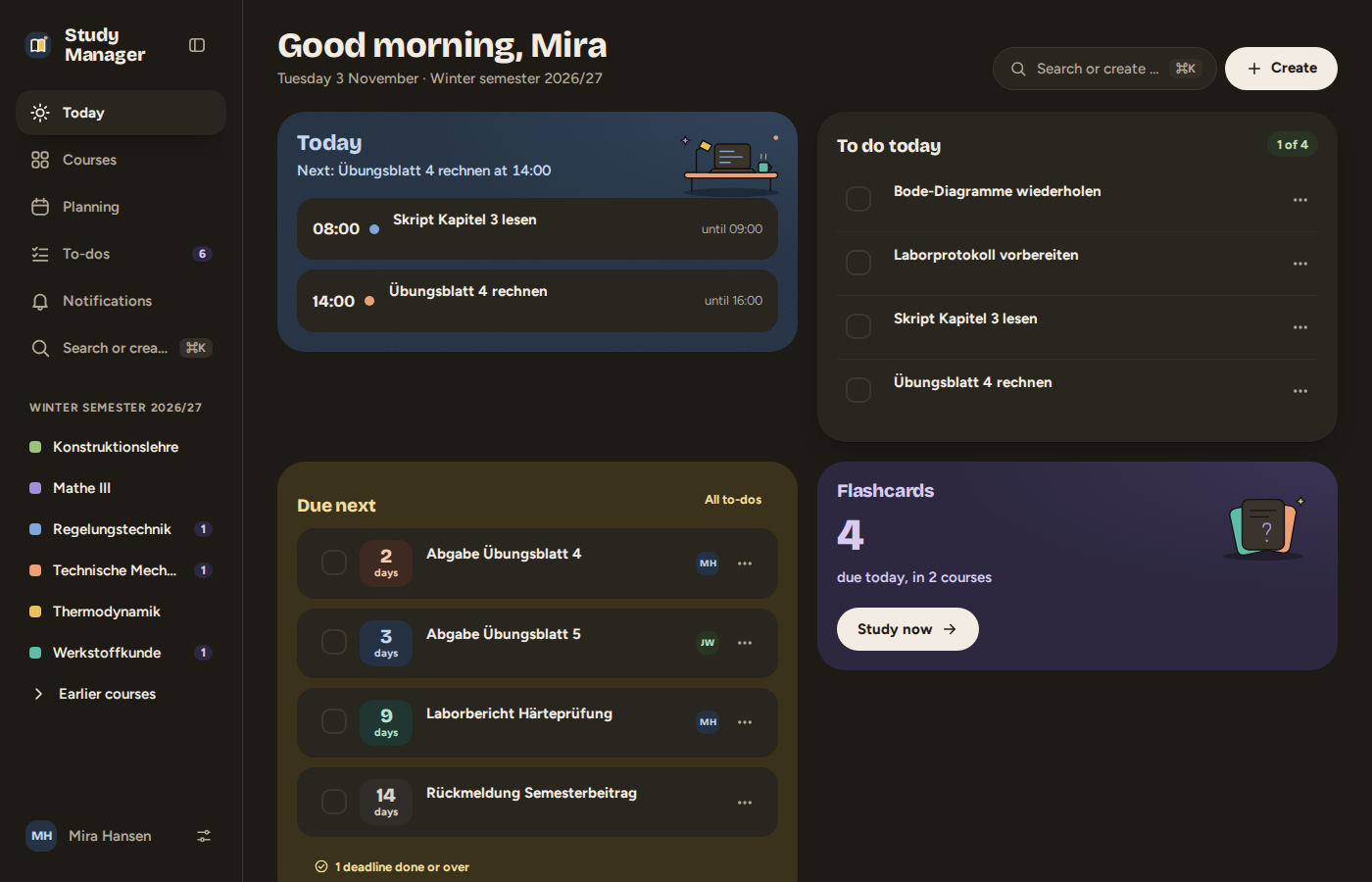
Account and sign-in
Accounts exist by invitation only: the admin sends you a link (or an email). The link works once and expires after a day. There you set your name and how you sign in.
You can sign in with a password, a passkey (Face ID, Touch ID or device code – no typing) or additionally with an authenticator app as a second factor. You set this up under Settings → Security. For admins, a passkey or an authenticator app is required.
Creating a course
A course is a module (or a freely created class) in one semester, together with its members. Under Courses you create one or join an existing one through an invitation link. Documents, deadlines, sessions, notes and flashcards belong to it.
The views
| View | For |
|---|---|
| Today | Your day: what is coming up, the next deadlines, your courses |
| Courses | All your courses, by semester |
| Planning | Week, day and month calendar with your tasks, deadlines and timetable |
| Todos | All open tasks and upcoming deadlines |
Search (⌘K / Ctrl+K) | Find courses, documents and passages in the text, or quickly create a todo or a deadline |
The search understands sentences like "Deadline Lab report 3 on 19/11" or "To-do Read chapter 2 tomorrow at 2pm" – and the same in German: „Deadline Laborbericht 3 am 19.11.“, „Todo Blatt 5 rechnen morgen um 14 Uhr“. Both work whatever language your interface is in. A sentence starts with Deadline, Exam, Submission, To-do or Task (German: Frist, Klausur, Abgabe, Todo, Aufgabe); dates are written day first.
On a phone there is a bar at the bottom with the most important views. On a laptop the sidebar is on the left; you can collapse it to icons (button next to the logo or ⌘B / Ctrl+B) to get more room.
Next: Courses and roles.